Split bills,
not friendships.
Add who paid. Splitrail works out who owes whom and settles the group in the fewest payments.
Launching soon on iPhone, iPad and Android.
 Trips
Trips Flatmates
 Dinners
 Budgets
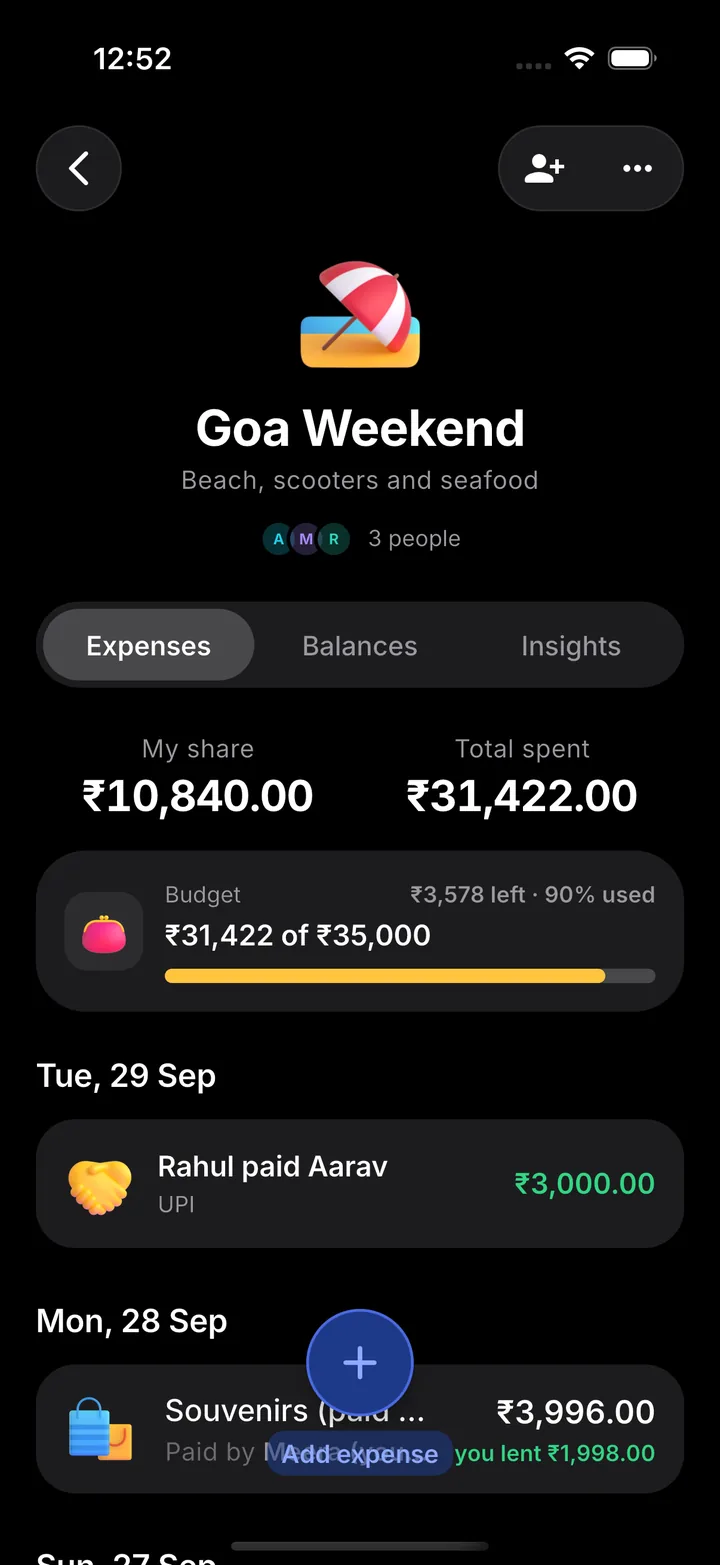
 You are owed+₹7,358
 Rahul paid Aarav₹3,000
One app for trips, flats and nights out
Make a group for anything people pay for together, and keep it for as long as you need.
Trips
Villas, scooters and seafood, in any currency, even offline.
Flatmates
Rent, bills and groceries that never stop. Settle up monthly.
Dinners
One person pays, everyone sees their share before the cab arrives.
Budgets
Set a limit for the group and watch what's left as you spend.
From receipt to settled in three steps
Create a group
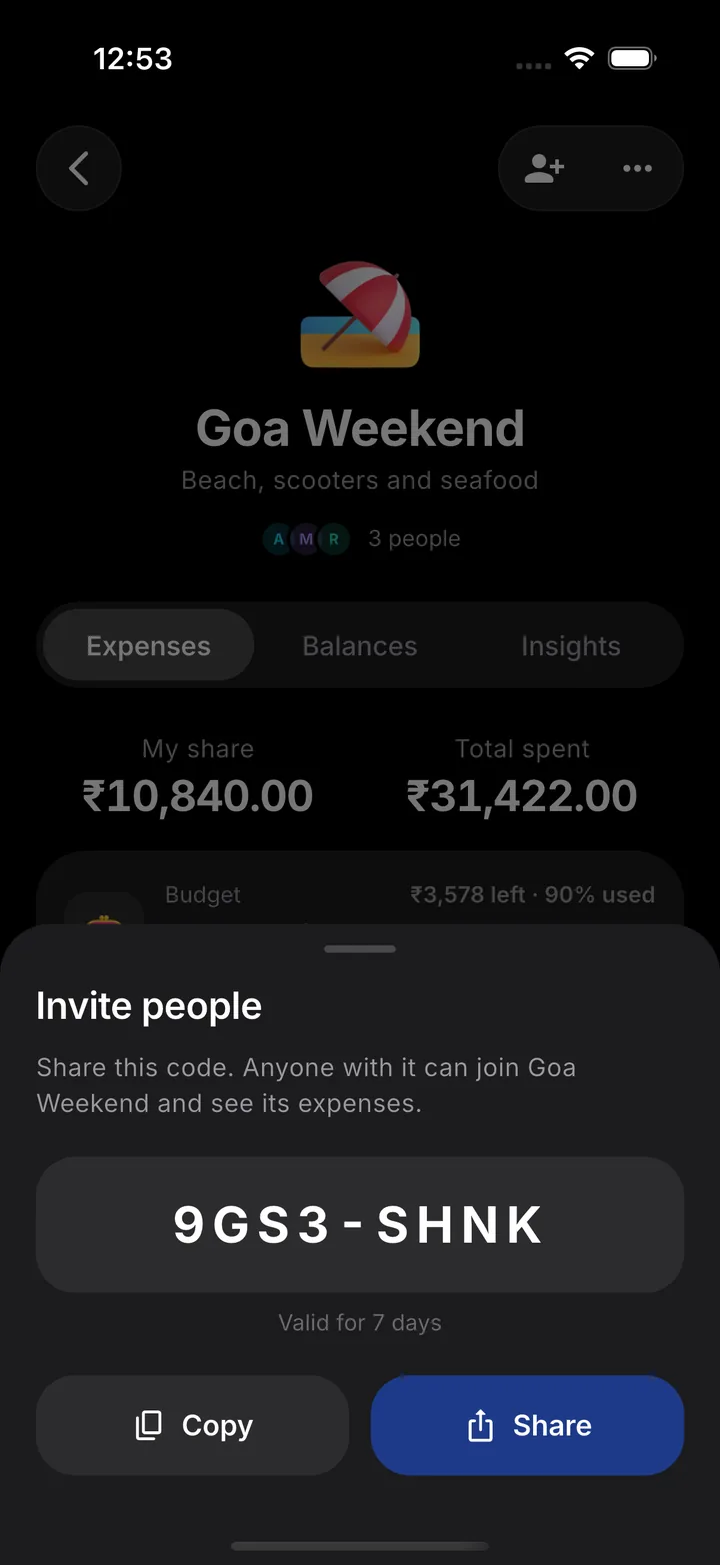
Name it, pick the currency and add the people sharing costs. Invite them with a code.
Add expenses
Amount, what it was for, who paid and how to split it. Attach the receipt if you like.
Settle up
Balances update instantly. Record payments as money changes hands.
See who owes whom
Change the amounts or who paid. Everything is split equally, just like a new expense in the app.
Goa weekend
Example group. Nothing here is saved.
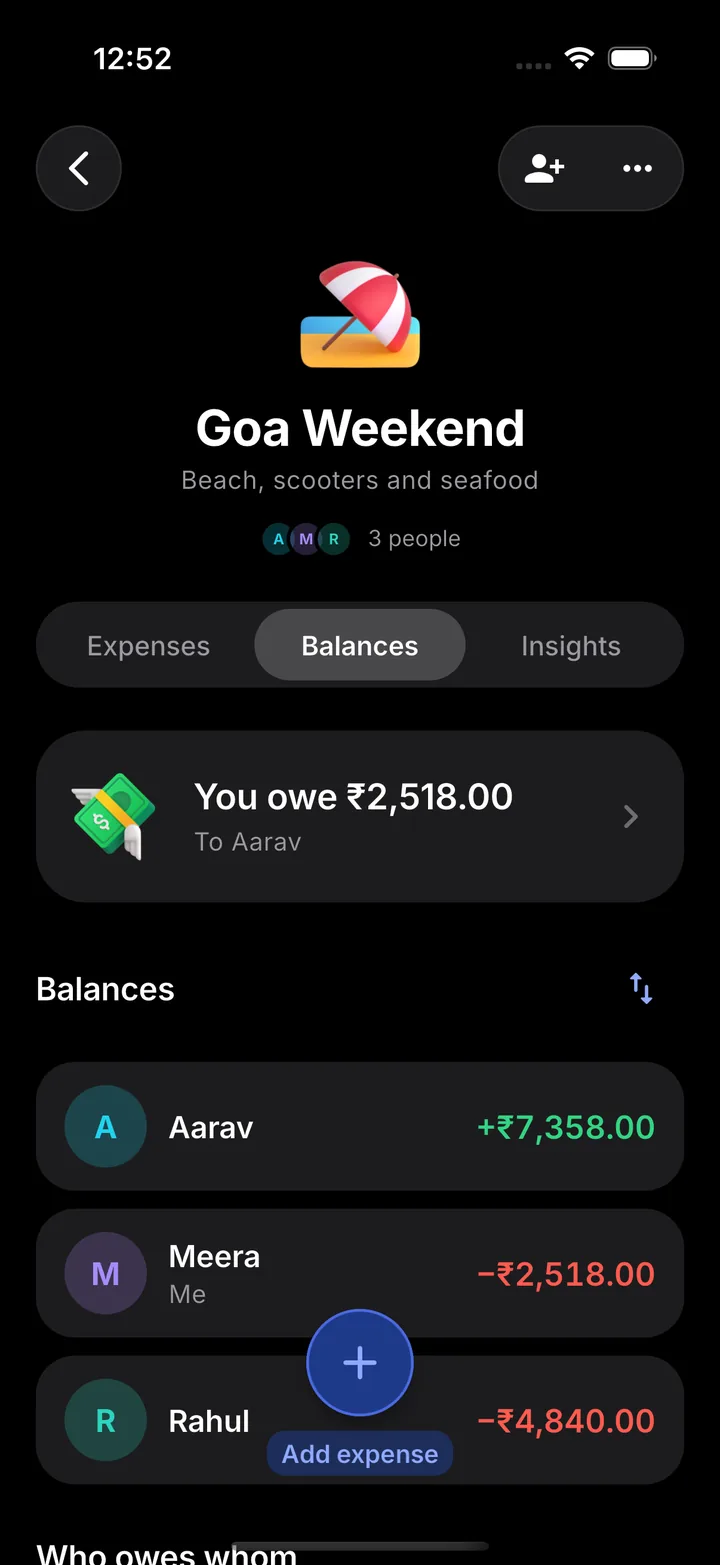
Balances
Green gets money back, red owes.
Settle up
The fewest payments that square everyone.
Everything a group needs, nothing it doesn't
Fewest payments
Debts are simplified automatically, so the group settles with as few transfers as possible.

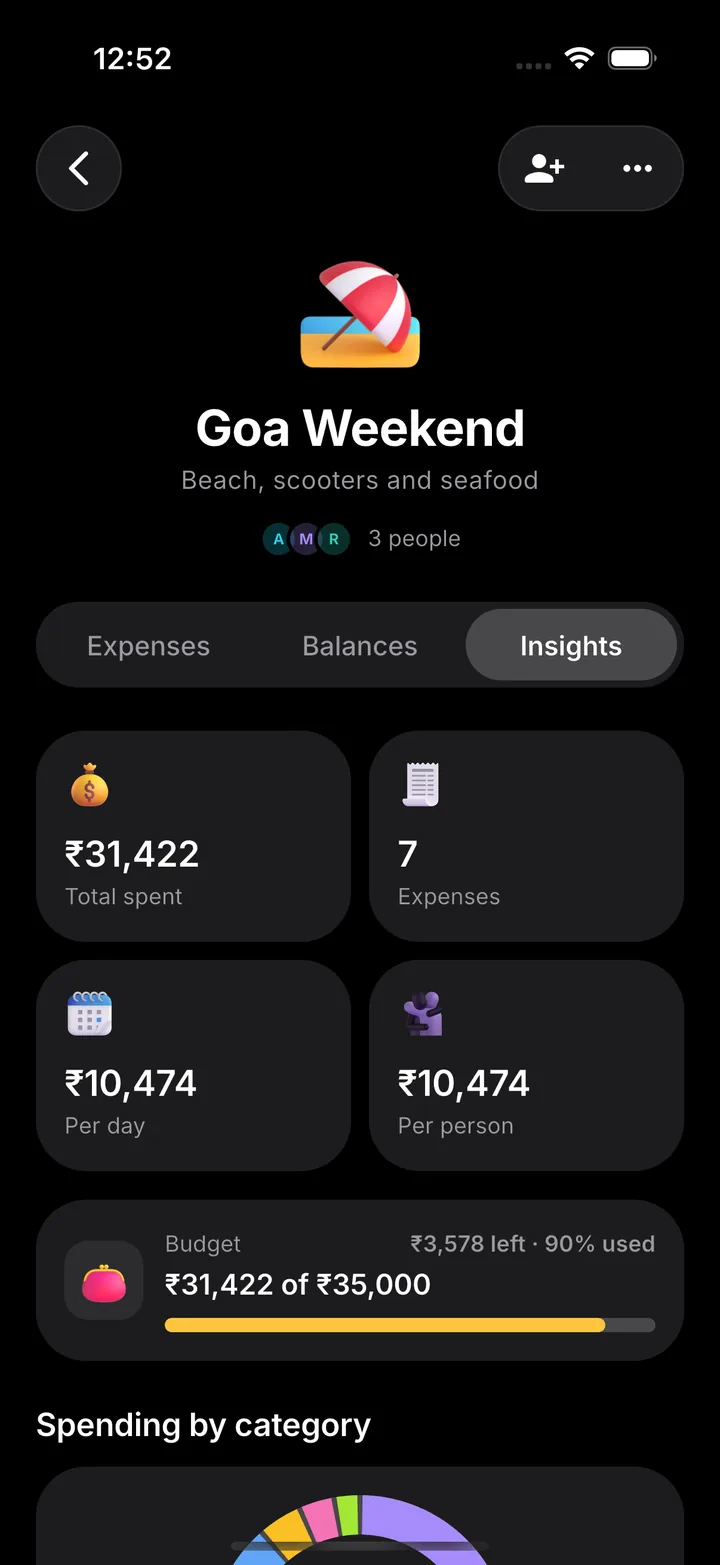
Insights
Spending by category, by day and by person, with totals and per-person averages.
Budgets
Set a limit for a trip or a month and see what's left at a glance.

Any currency
Log expenses in the currency you paid in; Splitrail converts them for the group.

PDF, Excel and CSV
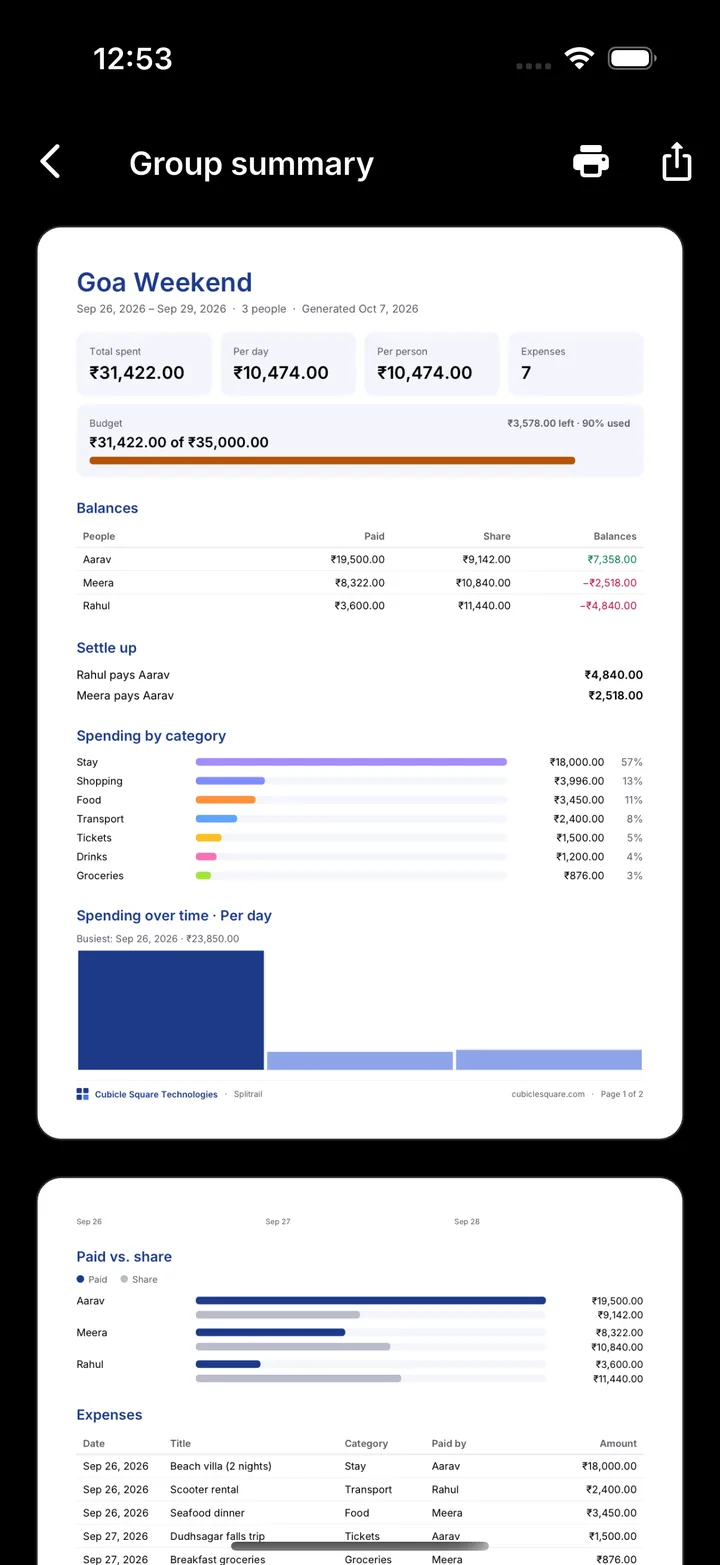
Preview and share a polished summary, a spreadsheet with charts, or plain CSV.

Invite with a code
Friends join in seconds. People without the app can still be part of the group.

Live updates
Get a notification when someone adds an expense or records a payment.

Full history
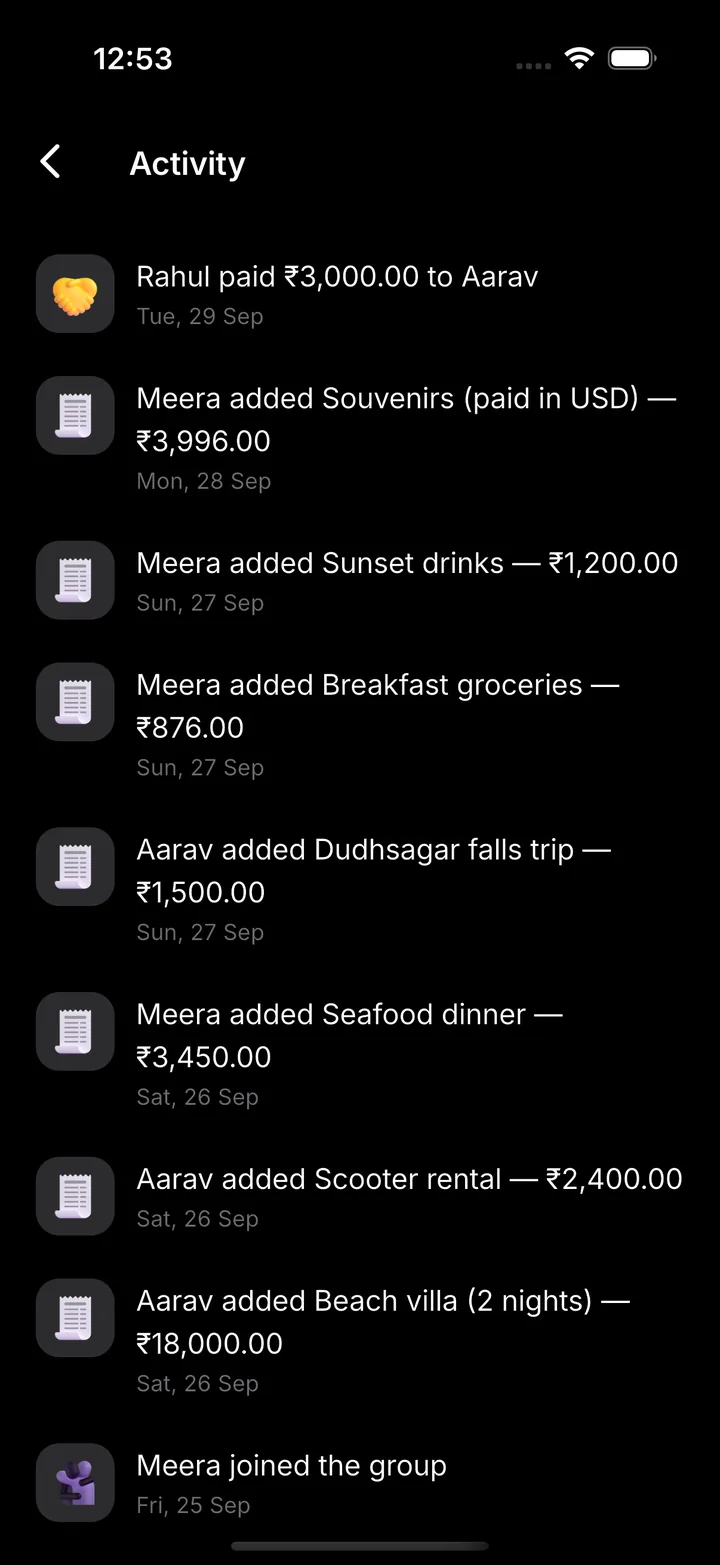
Every expense, edit and payment is kept in the activity timeline.

Works offline
Add expenses on a mountain or a plane; they sync when you reconnect.
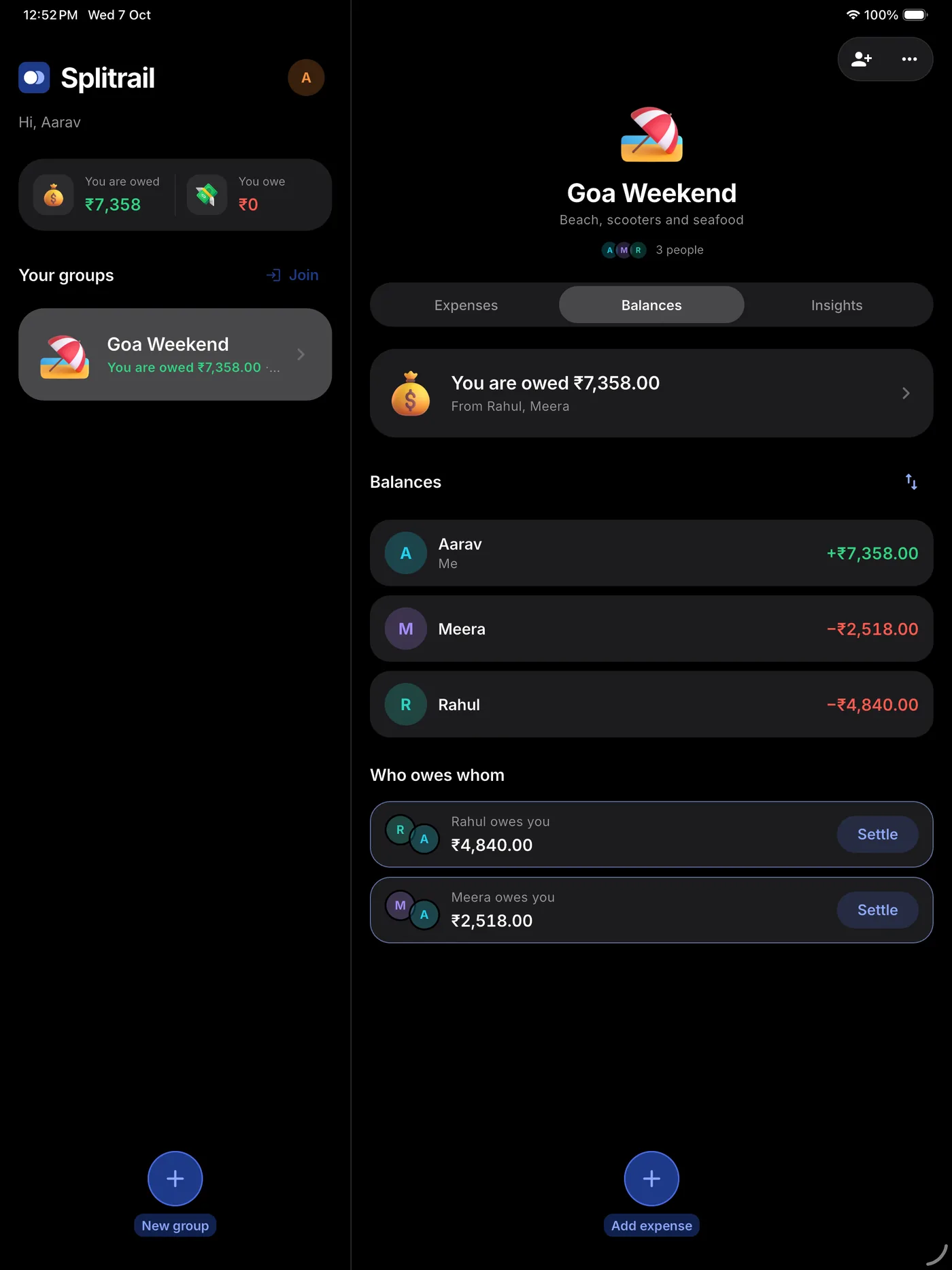
On iPad, your groups sit beside the open group.
Your money talk stays in the group
No ads, ever
Splitrail is free and carries no advertising.
Only your group sees it
Expenses are visible to the members you invite, and nobody else.
Delete any time
Remove your account in the app or from the web.
Questions, answered
Is Splitrail free?
Yes. Splitrail is free, with no ads and no in-app purchases.
Do my friends need the app?
No. Add anyone as a participant by name. They can join later with an invite code and see the same group on their own phone.
Can we split unequally?
Yes: equally, by exact amounts, by percentages or by shares. Rounding is handled to the paisa, so shares always add up to the total.
We paid in another currency. Does that work?
Yes. Pick the currency when you add an expense. Splitrail suggests today's rate and converts it into the group's currency; you can type your own rate.
Does it work offline?
Yes. Add expenses with no signal; they sync when you're back online.
How does Splitrail minimise payments?
It nets everyone's balance and then matches the largest debts with the largest credits, so a group usually settles in one payment fewer than there are people, often less.
More in Help & support.
Start your first group
Free on iPhone, iPad and Android. No ads, no account needed for your friends.
Launching soon on iPhone, iPad and Android.